





Ask the librarian

Aro

Aro looks after this reading café. Tell him what you are curious about and he will point you to the right shelf. He points; you decide.

Where he points

Pick a direction.

Short paths

Or let him seat you.

All paths on Start here →

Get closer to how AI works.

A route from everyday tools into the systems underneath.

  1. My Claude Code Origin Story Begin with the experience of learning to work with a coding assistant.
  2. From Tokens to Chips Follow the layers from model tokens down to compute.
  3. Vibe Learn Keep learning while an AI assistant helps you build.

Follow a thread

Browse by topic.

Meet Aro

The librarian himself.

Who is Aro?

The person at the desk, not at your table.

Aro belongs to the café the way a helpful bookseller belongs to a quiet shop: nearby when you need a path, invisible when you want to read. Search, topics, longer stories, and notes are his tools, not a product suite on every page.

The feeling is not a sci-fi command centre. It is paper, brass, ink, margins, workshop dust, coffee rings, and a rolling wheel that sounds like someone gently arriving with the right book.

Name story

Why Aro?

The name was hiding in plain sight, in two places at once. Pull the middle from my own name, Gaurang and you get Aro: a quiet extraction, personal but invisible unless you know where to look.

Shorten arrow by one letter and you get Aro too. And an arrow felt right. It doesn't carry you. It doesn't decide the path for you. It simply points.

That is what I wanted this little companion to do. Aro notices what you might be looking for (a story, a note, a book, a project, a thread of code) and quietly points you towards it.

Two roots. One name. Neither of them announced until now.

Launch film

How he moved in.

Aro helps visitors explore when they ask: essays, field notes, books, visual stories, and projects in progress.

He rolls between shelves, code, notes, and half-built ideas, helping this corner of the internet feel less like a portfolio and more like somewhere you can wander.

Temperament

Every guide has moods. These are his.

Idle

Present, calm, and ready to point toward the next shelf.

Happy

A little brighter when a useful path opens.

Thinking

Pauses at the margin before choosing the next clue.

Curious

Leans into a question without rushing the answer.

Working

Scans the shelves with quiet focus.

Sleepy

Still helpful, just moving at closing-time speed.

Excited

A little bounce when an idea becomes buildable.

Side pockets

What he carries

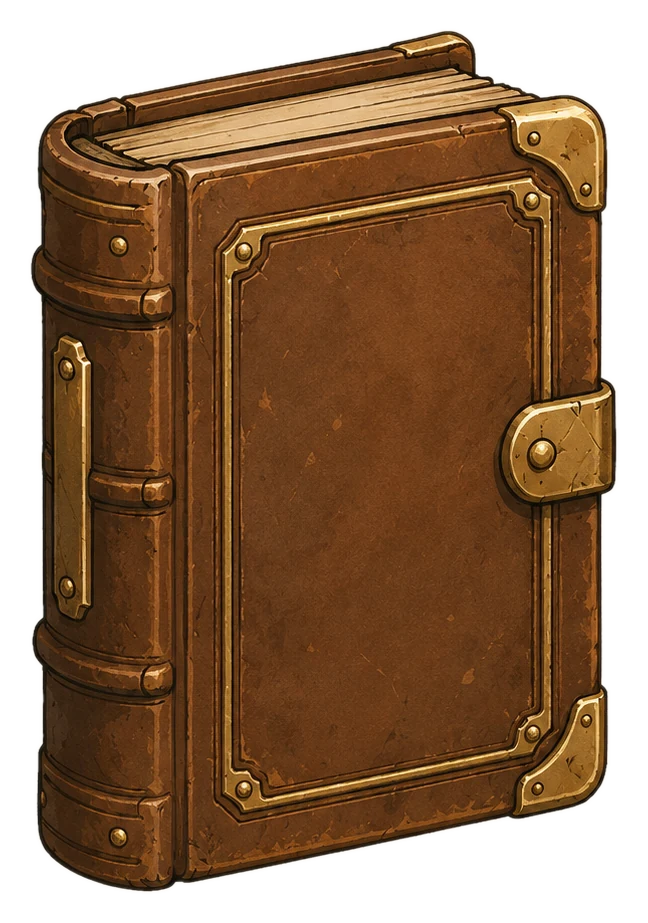
Book

Shelf memory and reading routes.

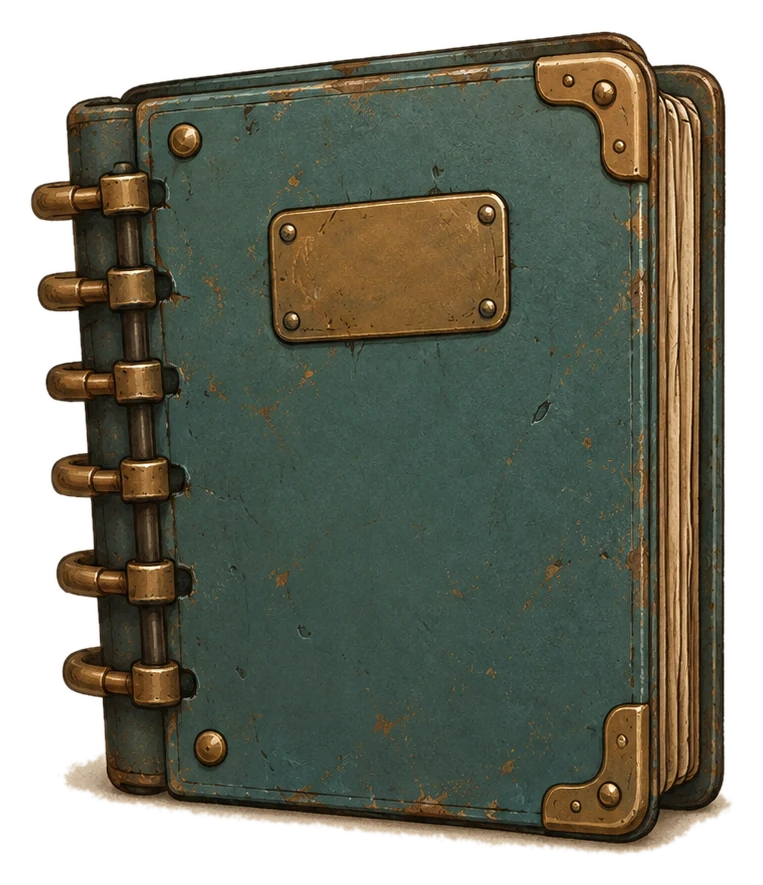
Notebook

Notes, margins, and returning ideas.

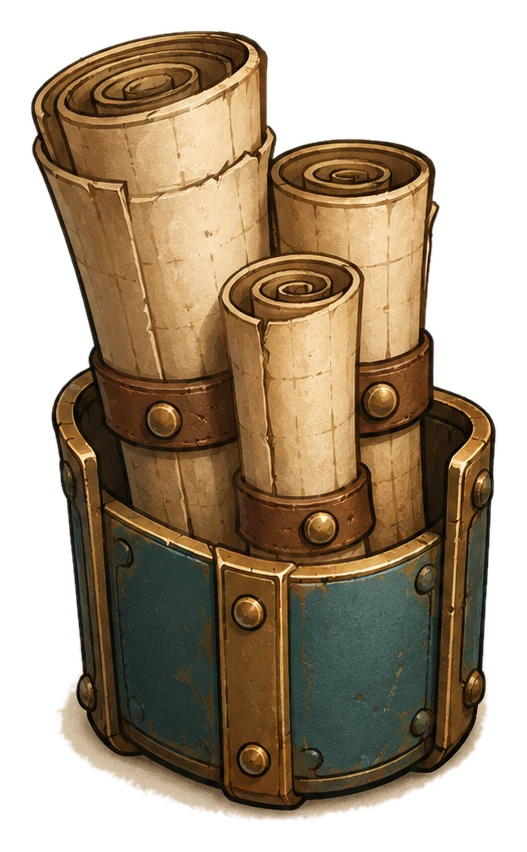
Scrolls

Longer threads and older paths.

Pencils

Drafting, marking, and revising.

Coffee

Cafe mode and slower thinking.

Tools

Workshop energy and build notes.

After hours

When the café is quiet, Aro still likes to wander the shelves. This is play, not the way into the library.

Interactive shelf

Aro's Lost Note Quest

A few notes have gone missing in the library. Choose Aro's mode and help find them.

Aro log

Lens mode on. Let's inspect the quiet corners.

SatchelFound 0 / 5
Still missing: Margin noteStill missing: Archive cardStill missing: Coffee ringStill missing: Code markStill missing: Highlight

Use arrow keys or WASD to move Aro.

The Library CornerFound 0 / 5 · Lens mode